Direct users at signup or login
3 min
When onboarding users, you can guide them to specific content after they sign up or log in, such as a survey, self-tagging form, or a welcome video. Alternatively, you can display a short popup message either before or after login to highlight important information.
To direct users after signup or login:
- Go to Admin ➤ Structure & Settings.
- Proceed to each option below.
- Scroll down and click Save.
Show pre-login/signup popup
Display a popup message before users log in or sign up.
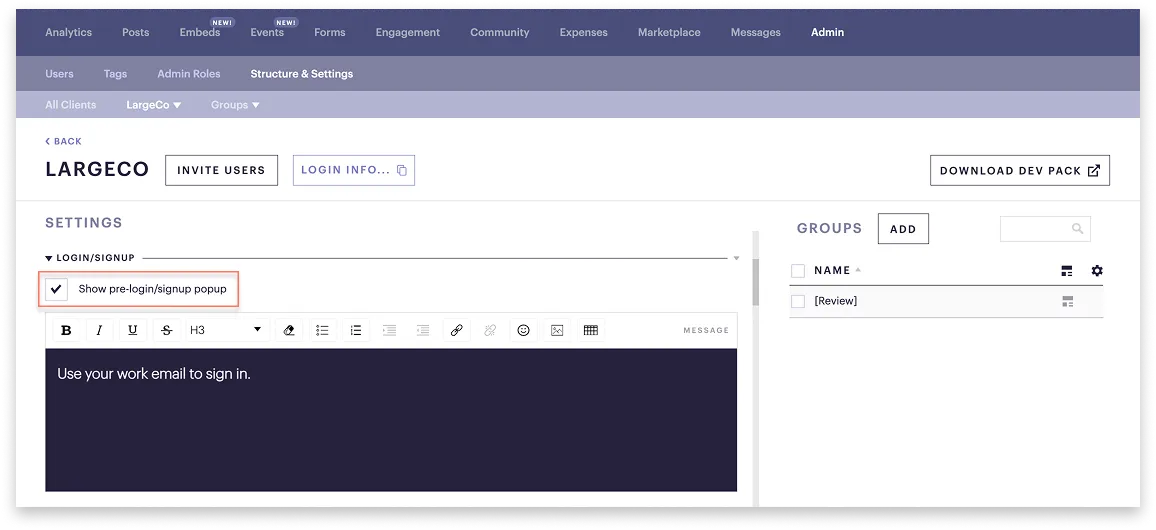
To do this:
- Under Login/Signup tick Show pre-login/signup popup.
- Add your message and format it using the toolbar.
Show post-login/signup popup
Display a short popup message after users they log in or sign up.
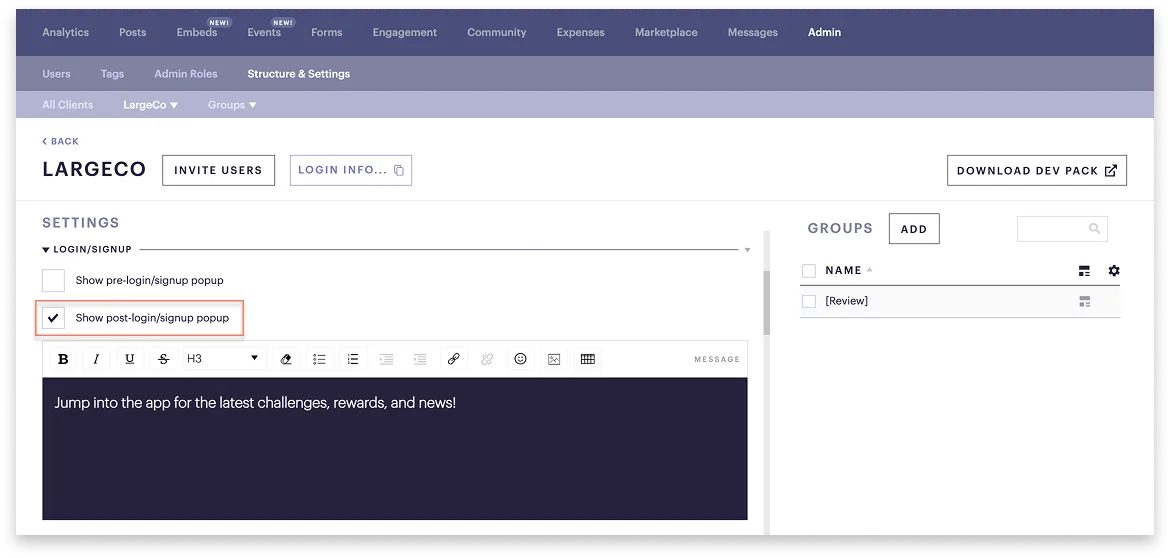
To do this:
- Under Login/Signup tick Show post-login/signup popup.
- Add your message and format it using the toolbar.
Go to post-login/signup content
After users log in or signup, bring them to specific content.
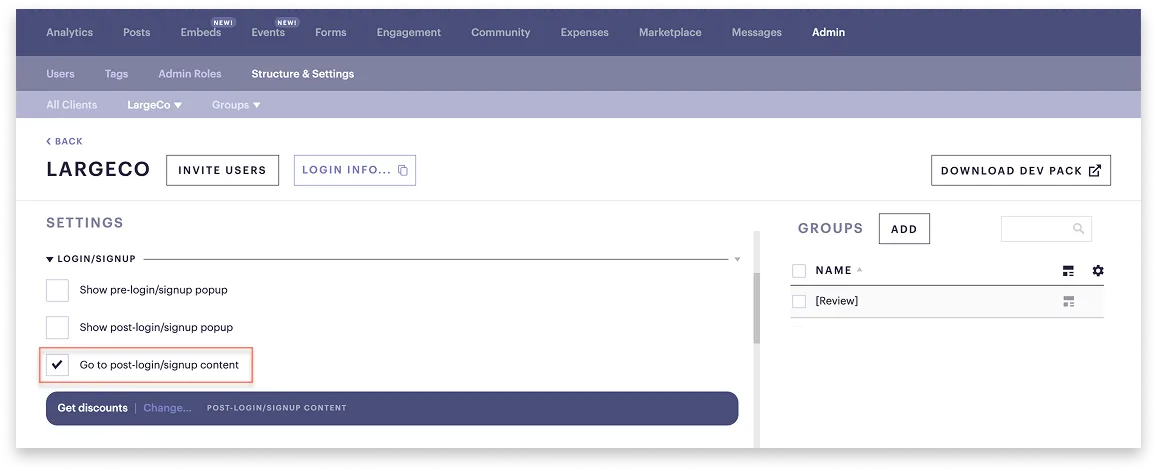
To do this:
- Under Login/Signup tick Go to post-login/signup content.
- Select the content.