Media Collections
Who can access this:
- Included in all plans
- Anyone with the Media Collections and Media Items permission
Media Collections allow you to upload various types of media—from videos and images to audio and PDFs—into a single, slide-style viewer. A collection can include just one item or a curated set of mixed media.
Once created, a Media Collection can be linked within other content types like Focus Content. You can also boost visibility by attaching it to an App View Challenge. All uploaded items are saved to your Media Library for easy reuse.
When to use it
Media Collections are perfect for sharing multiple types of media in a slide deck. They work well for:
- A series of exercise videos
- PowerPoint slides converted to a PDF or video
- A slideshow that includes both videos and images
- An audio recording of a class
- Onboarding materials
Supported media types
You can upload any combination of the following:
- Images: Upload JPG or PNG files.
- Videos: Share MP4 videos you've created.
- PDFs: Include a single or multi-page PDF.
- Audio: Upload MP3 audio files.
How do I manage items I've uploaded?
You can do this easily in the dashboard. See Manage media library.
How it appears
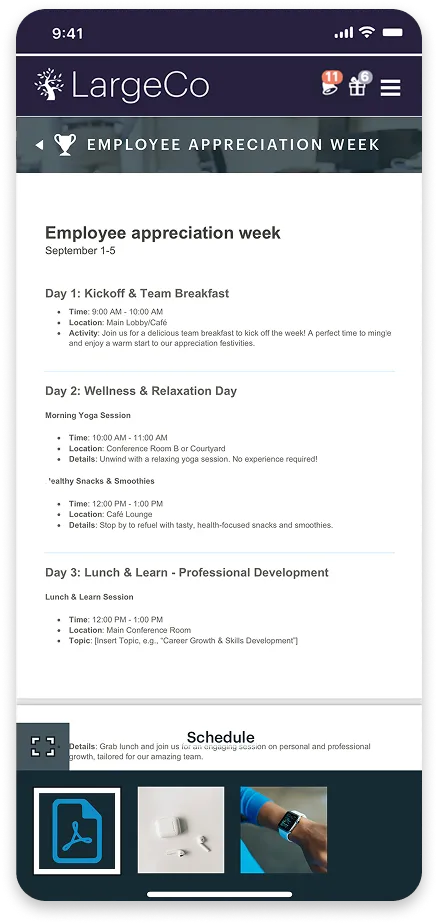
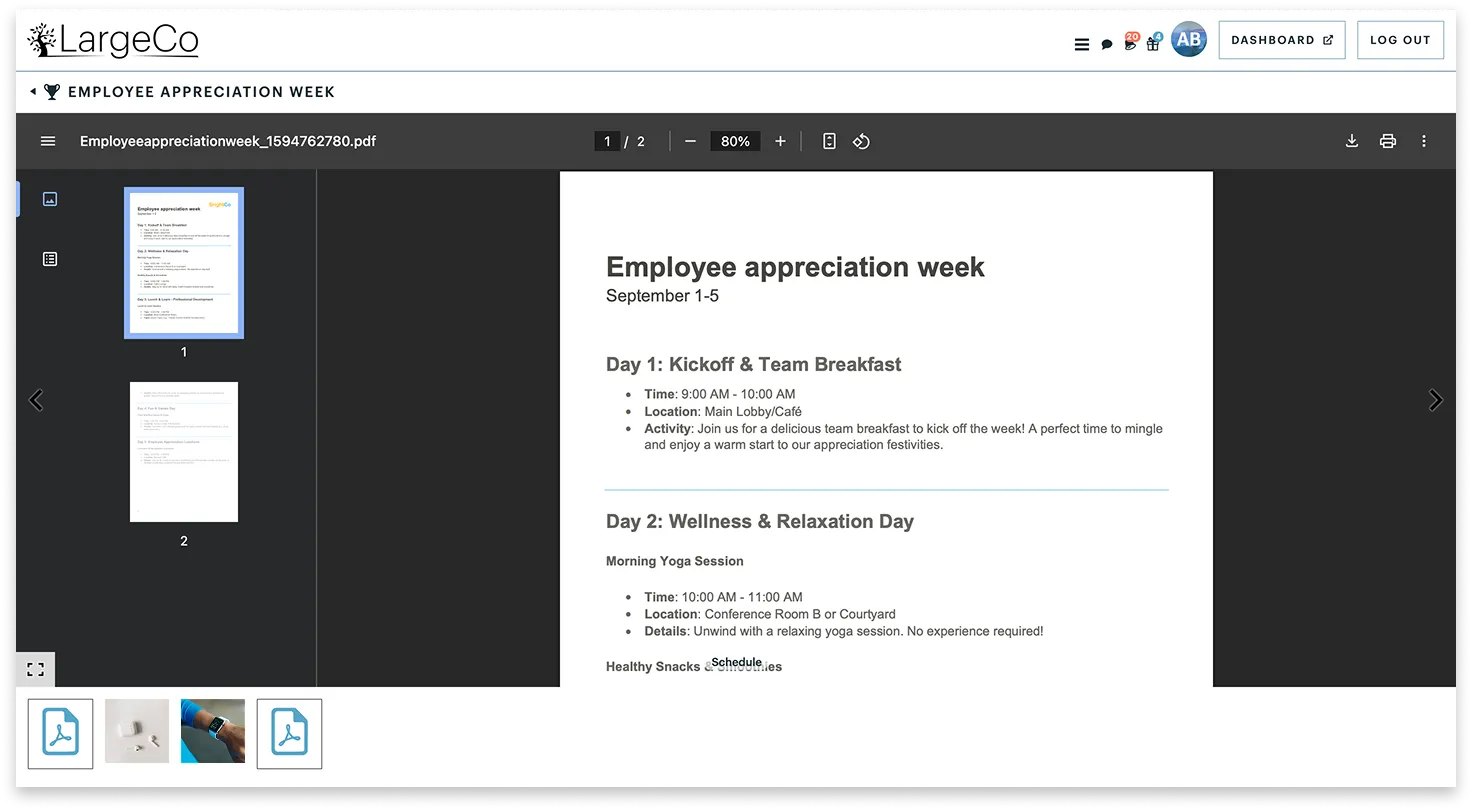
When users open a Media Collection from the homescreen, they’ll see the slide deck, displaying each media item in sequence.
Select the tabs below (Mobile or Desktop) to preview how a Media Collection looks once opened.
To get started, see Create a Media Collection.