Add Focus Content
Who can do this:
- Anyone with editing permission for Focus Content and Homescreen (if selecting Display tags and Availability)
- Additional viewing permissions are needed for any content tied to the Focus Content (e.g., Form, Media Collection)
Focus Content is primarily used for publishing written content, but it can also include YouTube videos, images, links, or embedded content from external websites. Explore examples and tips at Focus Content.
Open Focus Content
Add new Focus Content, or view and edit existing items.
To open the Focus Content page:
- Go to Posts ➤ Focus Content.
A list of your Focus Content items is displayed.
Add Focus Content
Share written content that may include YouTube videos, images, and links.
To add new Focus Content:
1. Go to Posts ➤ Focus Content and click Add.
- A New Focus Content window opens.
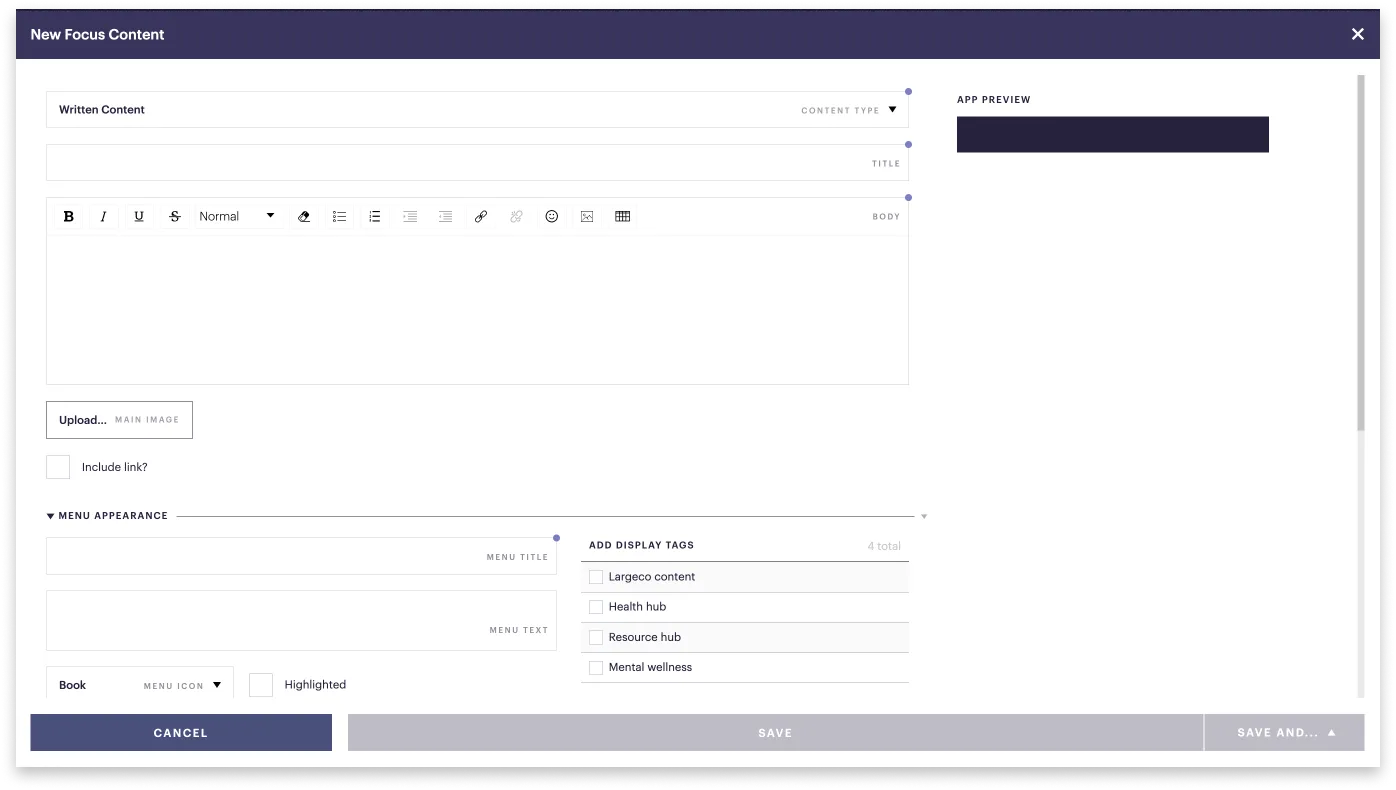
2. Select a Content type:
- Written content: Write and format your piece using the editor toolbar.
- YouTube: Post a YouTube video with a written summary.
- Advanced - embedded web content: Insert external web content into the app. Contact the Refresh customer success team to set this up.
- Advanced - embedded web content with SSO: Insert external web content into the app and use single sign-on (SSO). Contact the Refresh customer success team to set this up.
3. Enter details for Written Content or YouTube:
- Title: Stay under 40 characters so your title is fully visible (limit 200).
- Body: Enter or paste your text and use the editor toolbar.
On the right, a preview shows how your piece will appear.
How do I link to app content within the text body of Focus Content?
On the desktop app, open the item you want to link to and copy everything in its URL after com (including the slash). In the toolbar, click the link icon and paste that path.
4. Fill in the remaining options.
5. In the bottom right, select one:
- Save and send message: Opens the Compose page allowing you to send a message to selected recipients.
- Save and close: Saves your content for the selected timeframe, or until you disable or remove it.
Why doesn't my content show up in the app?
Check that you've selected display tag and there is space available in the layout. See Add blocks to your layout.