View & manage signups
2 min
Who can do this:
- Anyone with viewing permission for Events
See who has signed up and who hasn’t, so you can send reminders and manage your list as needed.
To open the attendee list:
- Go to Events and select the event from the list.
- This opens the Manage page, where signups are displayed. Optionally, use the CSV button to download the list.
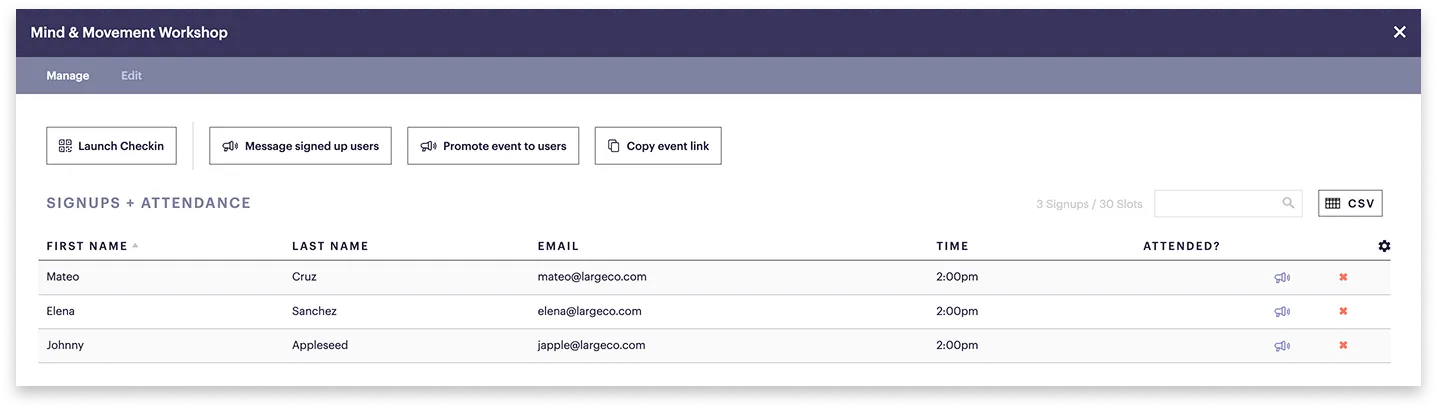
For each attendee, you’ll see:
- First and last name
- Email address
- Event start time
- If they attended
To remove an attendee:
- In the far right column, click the x next to their name.