View admin privileges
3 min
Who can do this:
- Anyone with the Users (editable) permission
Determine if users have administrative privileges, and their corresponding admin level and role(s).
Check admin status & level
Identify if a user is an admin and if so, for what level, whether organization, or a specific group or team.
To see a user's admin status:
- Go to Admin ➤ Users and in the user list, locate the user.
- Check the Key and Hierarchy columns:
- Key column: A key icon denotes the user is an admin.
- Hierarchy column: A key icon indicates the admin level.

View admin role assignment
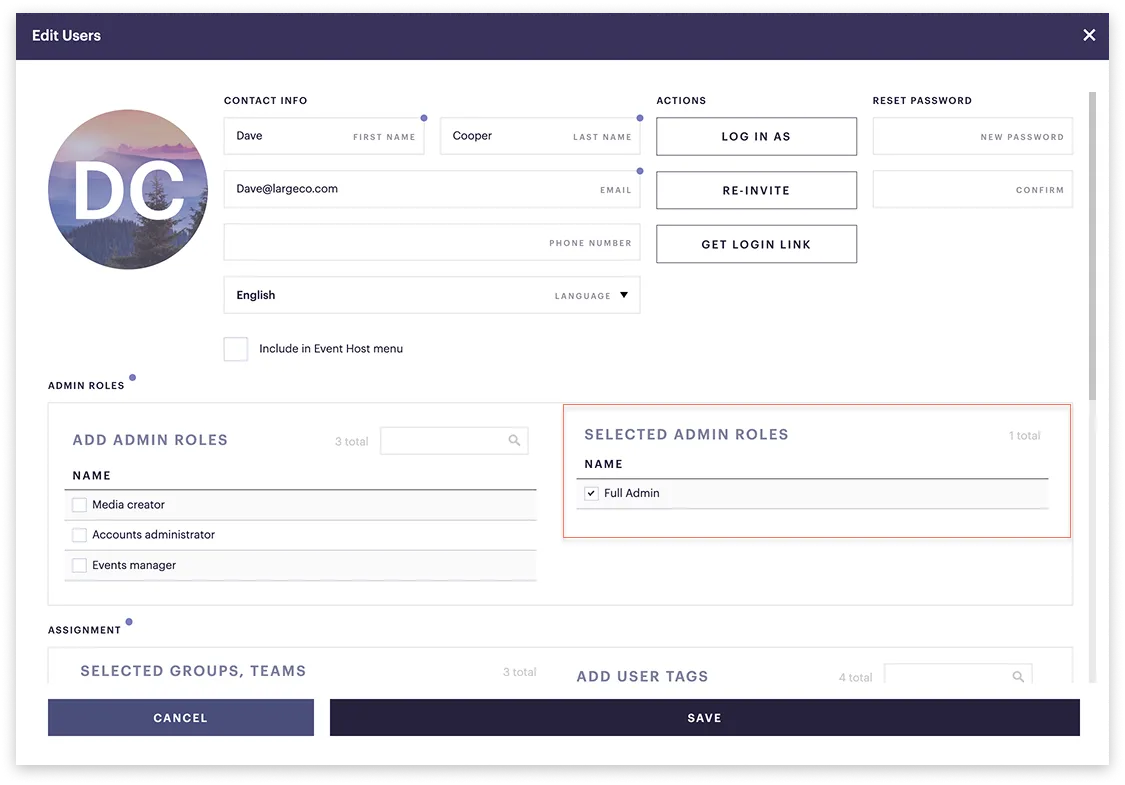
Check what role(s) an admin has been assigned.
To view admin role assignment:
- Go to Admin ➤ Users and in the user list, select the user.
- This opens the Edit user window.
- On the right, you'll see their selected role(s).