Focus Content
Who can access this:
- Included in all plans
- Anyone with the Focus Content permission
Focus Content lets you share detailed articles, videos, or embedded web content. It's especially useful for in-depth information, but can be any length you choose.
It's perfect for detailed information that you want to keep accessible for an extended period and supports rich text formatting with images, links, and tables.
When to use it
Use Focus Content for material that’s meant to be revisited—updates that stay relevant, educational pieces, or longer-form narratives. You can also tie it into Challenges with Rewards to encourage engagement and track completion, making it a versatile tool for learning and participation.
Examples
Here’s the kind of content you can share using Focus Content:
- Educational articles
- YouTube videos with summaries
- Narrative or storytelling pieces
- Research highlights
- Company announcements or resources
- Series of articles on different topics
Content types
Focus Content supports four formats:
- Written Content: Write and format your own pieces using the editor toolbar, in Rich Text Format (RTF).
- YouTube: Share YouTube videos with an optional summary.
- Embedded Web Content: Display external web pages in-app. For setup, contact the Refresh customer success team.
- Embedded Web Content with SSO: Securely embed web content with single sign-on. For setup, contact the Refresh customer success team.
How it appears
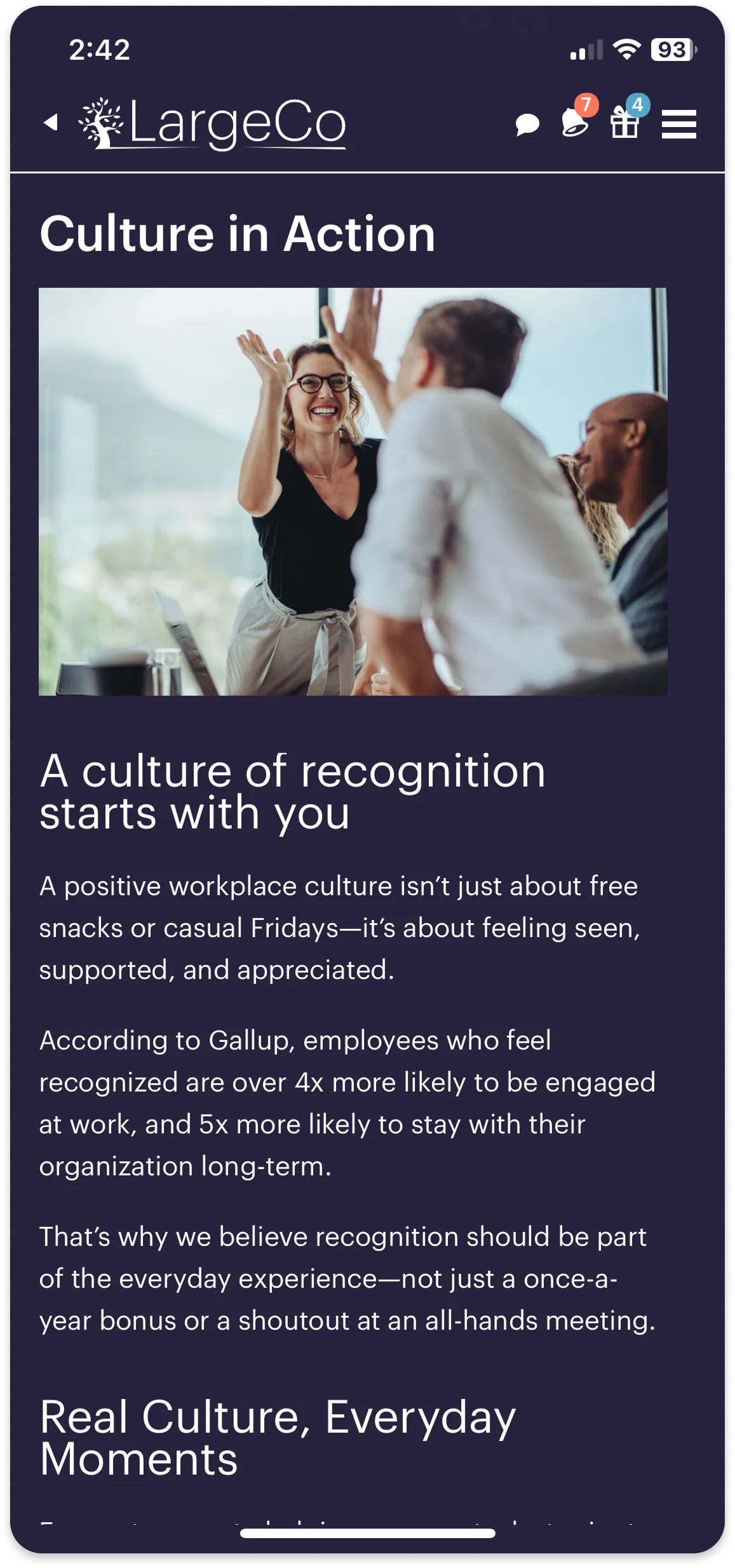
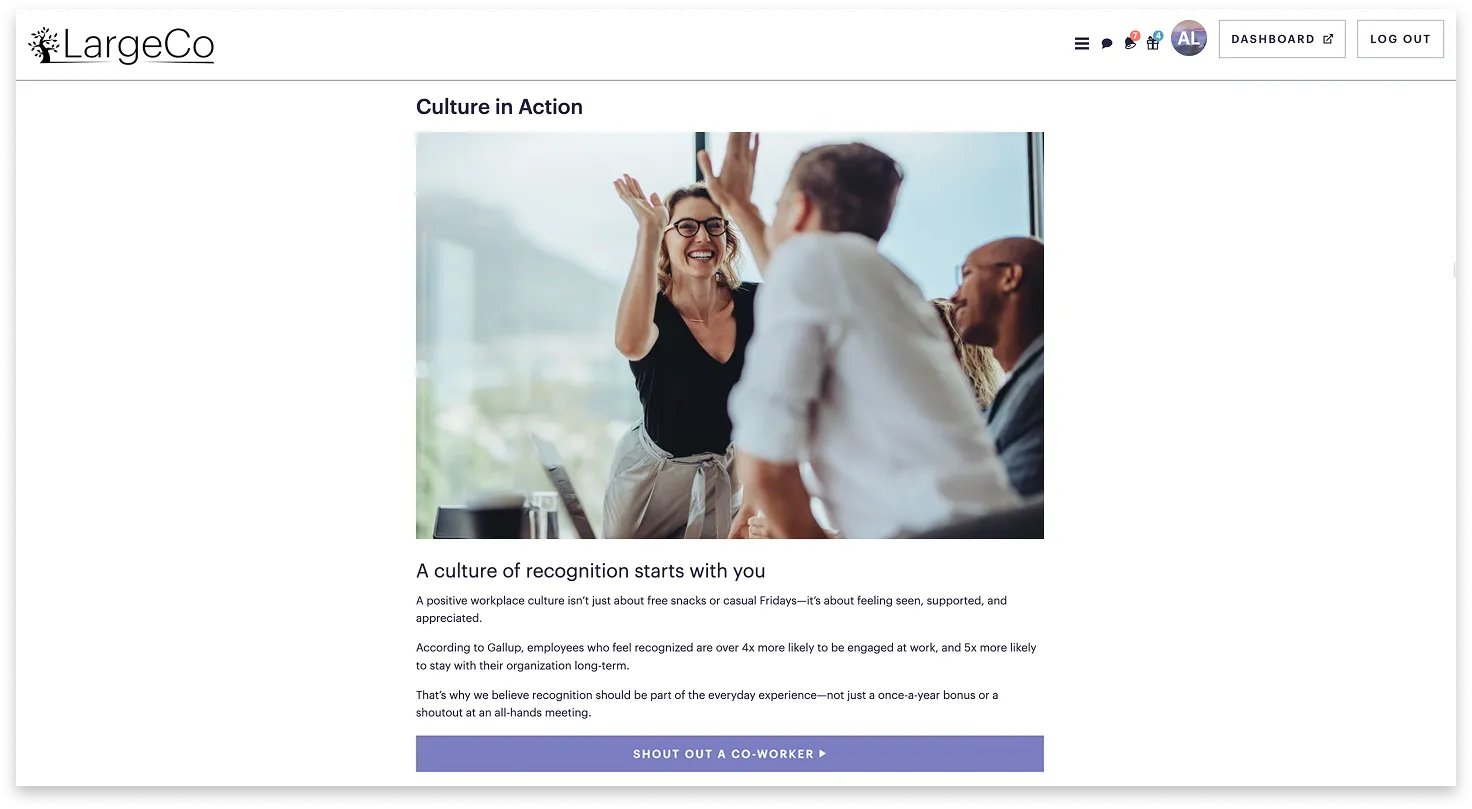
Select a tab below (Mobile or Desktop) to see how Focus Content looks in the app once opened.
To create Focus Content, see Add Focus Content.