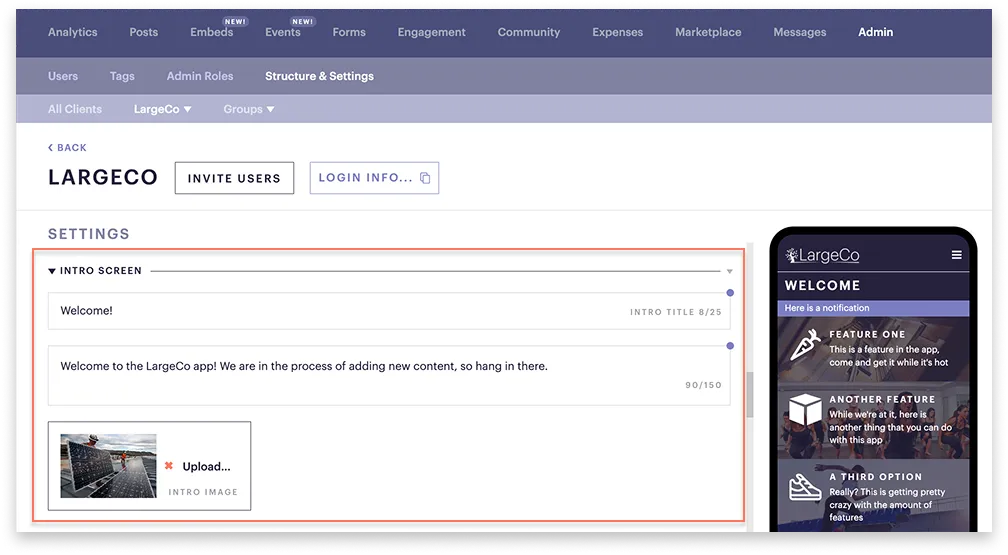
Edit the intro screen
3 min
Edit your app’s intro (landing) screen, which appears when users visit your web app URL, either the default OrganizationName.App.Refreshplatform.com or your custom domain.
Select a tab below to see each view.
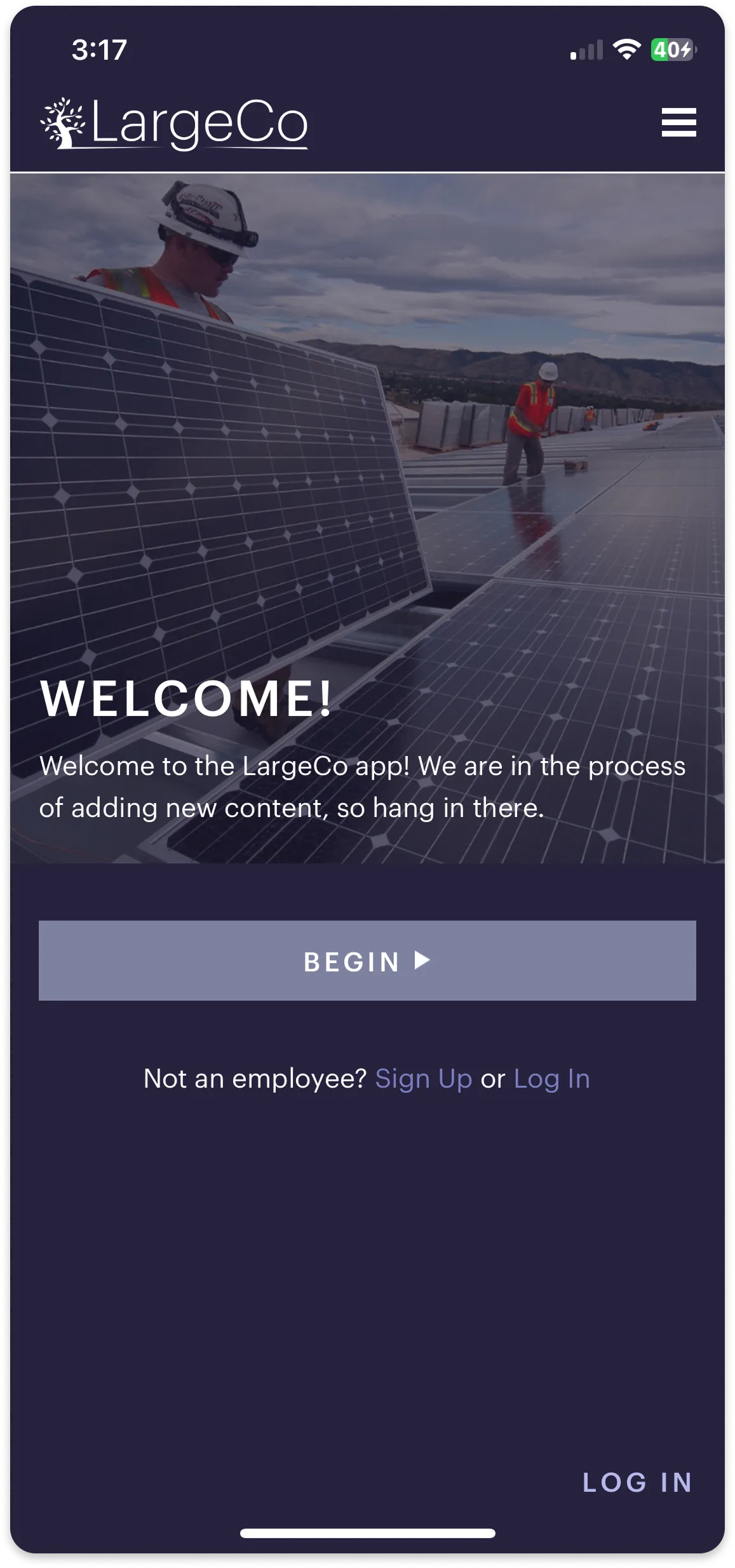
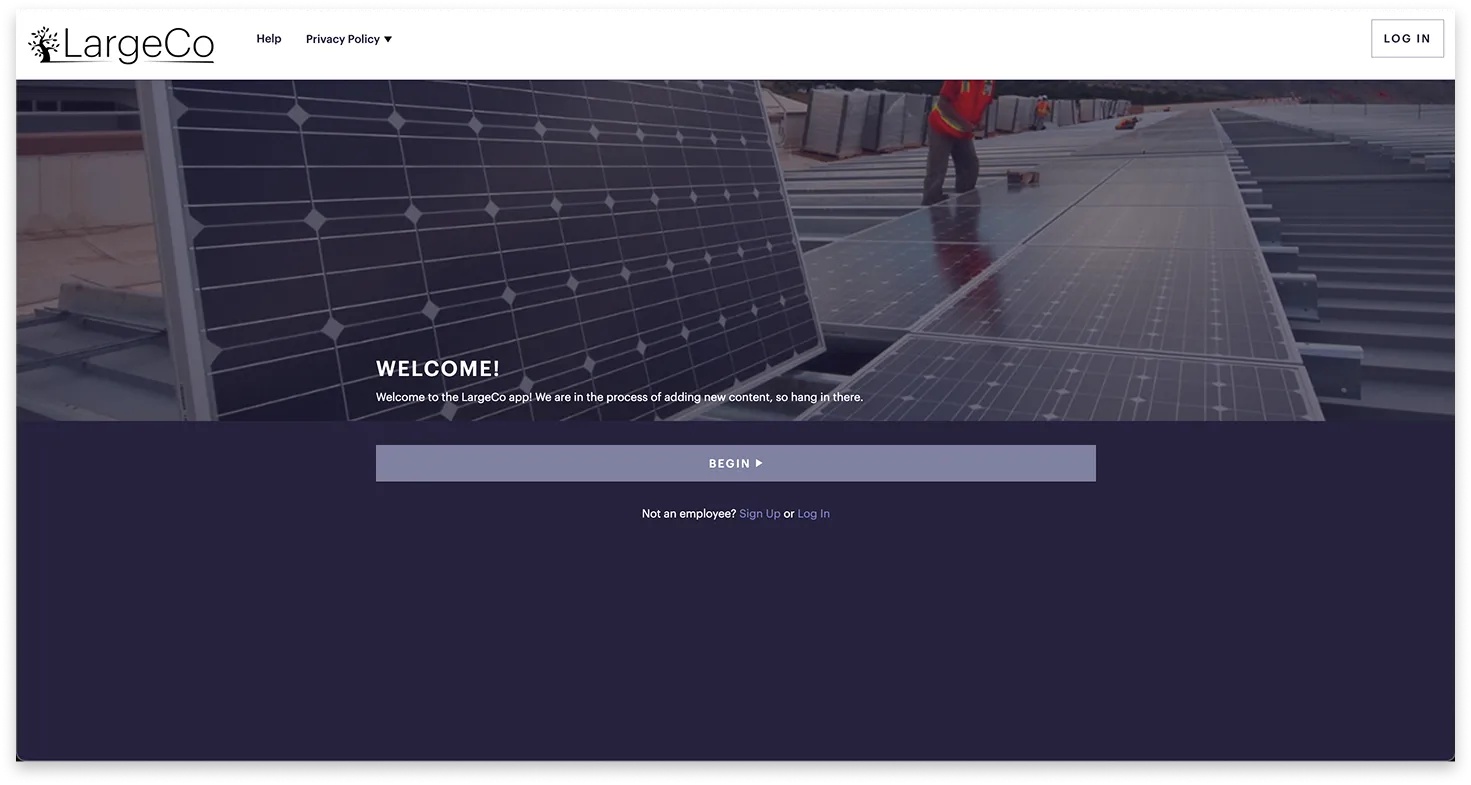
The description is a brief (max 150 characters) introduction for your target audience. Use it to:
- Highlight why they should visit the app and its relevance for them.
- Include a call to action (e.g., sign up for company updates, earn rewards, join challenges).
- Spark curiosity with phrases like Don’t miss out… or Discover…
- Keep it simple and focused on the app’s purpose or benefits.
Edit the intro screen
To update the intro title, description, or image:
- Go to Admin ➤ Structure & Settings.
- Scroll to Intro screen and edit the fields.
- Ensure your employee population number is entered, and then click Save.