Edit a user
1 min
Who can do this:
- Anyone with the Users (editable) permission
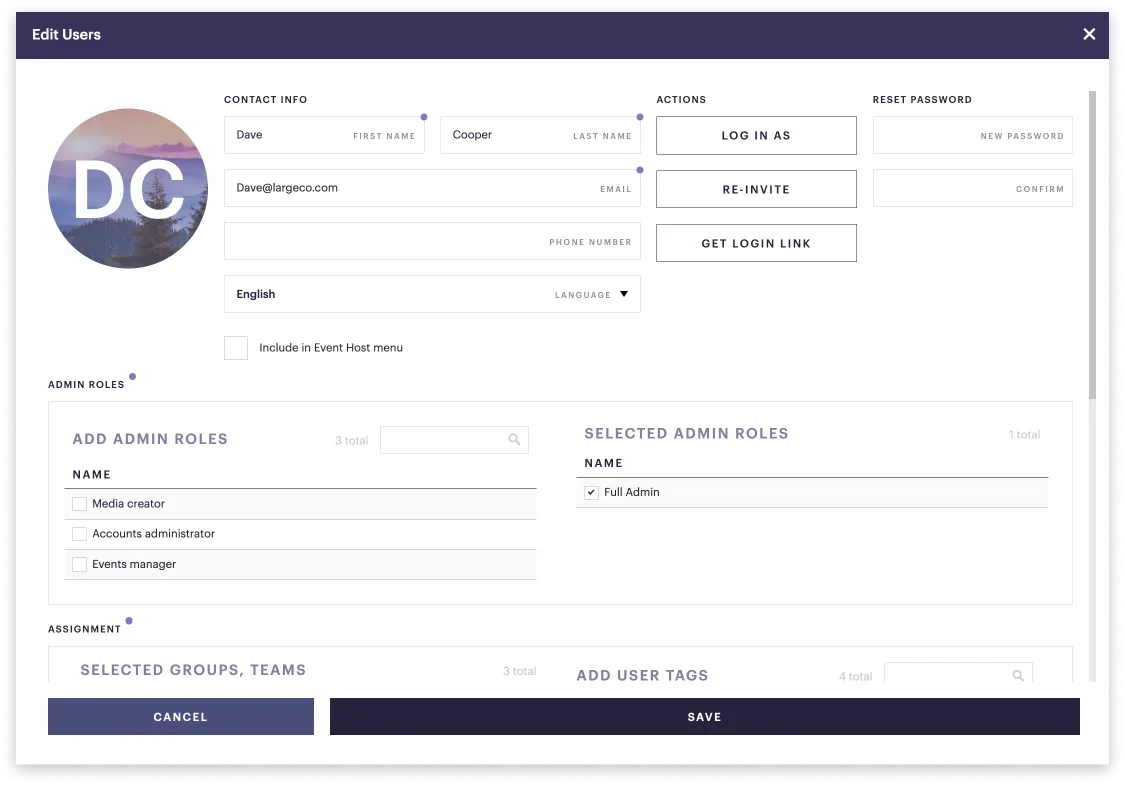
A user's profile includes:
- Name & contact info
- Password
- Language
- Log in as
- Re-invite
- Get login link
- Reset password
- Admin role
- Group, team, and/or user tag assignment
To edit a user:
- Go to Admin ➤ Users and select the user from the list.
- The Edit user window opens.
- Make any edits and click Save.
How do I collect users' mobile numbers?
You could request their mobile phone numbers and then add them to the user's profile, following the steps above.